
Your brand ops system: the one-page workflow for managing multiple niches
You don’t need more tools. You need an operating rhythm. Here’s a one-page workflow system for brand ops that keeps multiple niches moving.

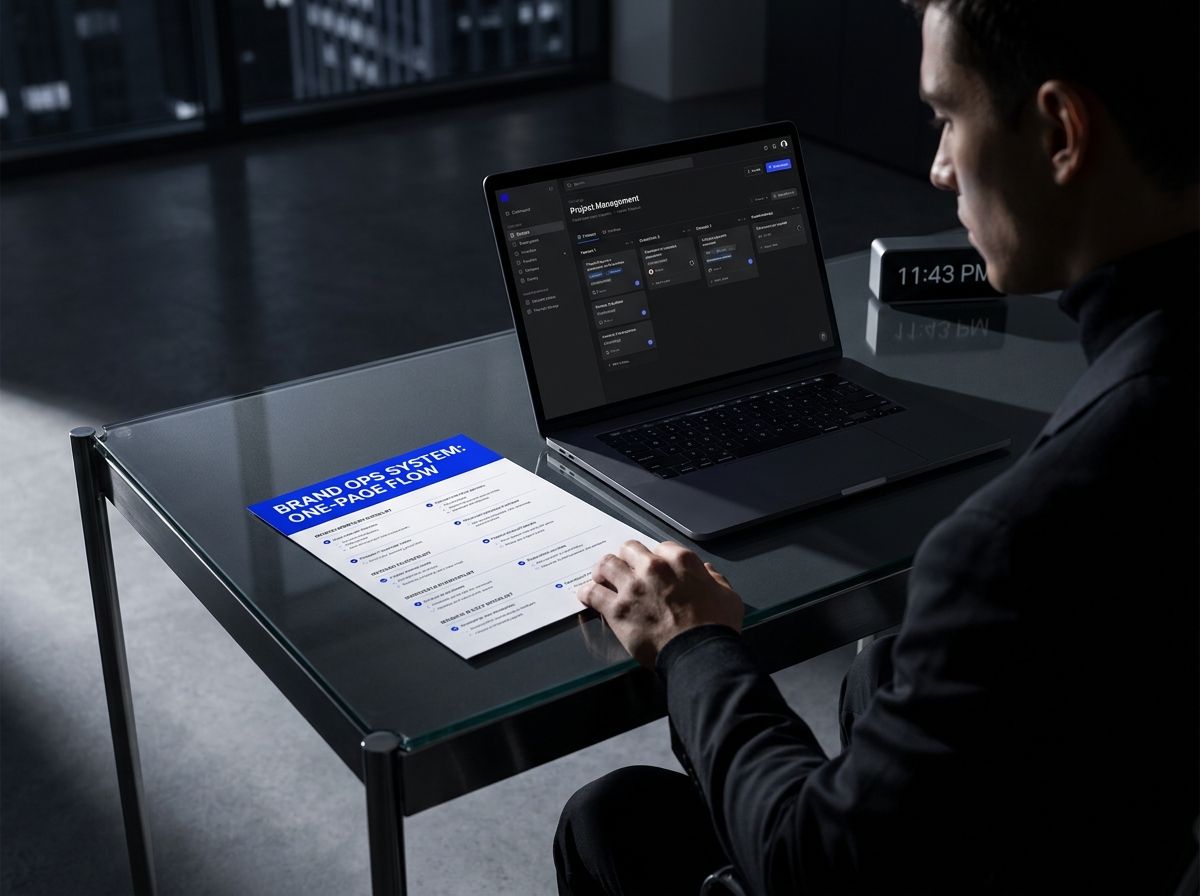
Elena is hunched over her laptop at 11:43 p.m., one tab open to a keyword doc, another to a Shopify dashboard, and a third to a half-written email. Her phone buzzes. It's a Slack ping from her VA: "Which niche are we posting for tomorrow?"
She laughs, because she's the one who set up the system. It's just not a system yet. It's a pile of intentions.
If you're managing multiple brands, you're not failing. You're missing an operating rhythm you can actually follow. This post gives you a one-page workflow system for brand ops so your content operations stop stalling and your decisions get faster.
The real problem with "managing multiple brands"
You're not managing brands. You're managing context.
Every niche carries its own voice, audience anxieties, product angles, content themes, and unspoken definition of "what good looks like." When you switch between them, you pay a mental tax. That tax shows up as:
- You rewrite the same basics in every brand doc.
- You forget what you already tested.
- You get to posting day and scramble.
- You delay decisions because you keep asking, "Is this the right thing for this niche?"
A workflow system fixes the tax. Not by making you faster at thinking. By making thinking smaller and more consistent.
With Zentoko's adaptive learning system, you can turn your attention into revenue across niches, but you still need the front-end operating rhythm that tells you what to do next.
What a brand ops system is (and what it isn't)
A brand ops system is a repeatable loop. It tells you:
- What you do weekly
- What you do daily
- Where each niche's content lives
- How you decide what to scale
It is not a complicated dashboard. It is not a "set it and forget it" fantasy. It is not a spreadsheet you abandon after three days.
It's one page. You can print it, keep it open on your second monitor, or screenshot it and tape it to your wall. And yes, you will still miss things sometimes. Humans do that. The system should catch you, not shame you.
Section 1: Build your one-page workflow system
Here's the one-page workflow system you're going to use to manage multiple brands. You'll customize the wording, but keep the structure.
Think of it like a steering wheel. You don't grip it all day. But you need it when the road changes.
The one-page layout
Copy this template into a doc. Make it ugly if you want. Ugly works.
1) Your operating rhythm (the schedule)
Pick a rhythm you can keep even when you're tired.
A practical default for solo founders and lean teams:
- Daily (15-30 minutes): content operations scan + queue check
- 2x per week (45-90 minutes): batch creation for one niche
- Weekly (60-120 minutes): review + decide what to scale
- Monthly (60-120 minutes): refresh angles + prune dead weight
If that feels like too much, reduce it. The point is not intensity. The point is consistency.
2) Your "single source of truth" (where work lives)
You need one place where each niche's next actions are visible.
Choose one:
- A project board (cards per niche)
- A task list with sections per niche
- A Notion page with a table per niche
Then enforce a rule: if it's not on the page, it doesn't exist.
This is where managing multiple brands stops being chaos. Your VA can see it. You can see it. Future-you can see it.
3) Your niche modules (the repeated buckets)
Each niche gets the same buckets. This is what prevents you from reinventing the wheel.
Use these modules:
- Offer angle: the promise you're leaning on right now
- Content themes: 3-5 topics that keep showing up
- Proof assets: screenshots, testimonials, results, case notes
- Distribution checklist: where you post and what "done" means
- Conversion assets: email, landing page section, lead magnet copy
You can fill them in once per niche, then update lightly.
4) Your weekly loop (the operating rhythm in action)
This is the heart of the brand ops workflow system.
Every week you do this for each niche:
- Pick one primary goal (traffic, leads, trials, sales, reactivation)
- Pick one content theme to push
- Pick one proof asset to use
- Ship 3-7 pieces of content (or however many your capacity allows)
- Review results and decide what to scale
This keeps your content operations from becoming random acts of posting.
5) Your decision rules (so you don't debate yourself)
You need rules for what counts as "working."
Use simple thresholds. For example:
- If a post gets saves or shares above your baseline, scale the angle.
- If an email gets replies, scale the message framing.
- If a landing page section increases click-through, keep it and build variants.
You don't need perfect attribution. You need direction.
A quick note about "manage multiple brands"
If you have 3-7 niches, you can still run this. The trick is that you don't do everything for every niche every day.
The system should tell you which niche is active this week and which niches are in maintenance mode.
Maintenance mode still matters. It means:
- You schedule posts ahead
- You respond to comments and DMs
- You keep the proof assets updated
Active mode means you create and ship new stuff. That's the operating rhythm.
Section 2: Turn the page into a daily routine
The one-page workflow system is only useful if it shows up when you're busy.
So you're going to add two micro-habits.
Micro-habit 1: the 60-second "queue check"
Every day, open your one-page workflow system and answer three questions:
- What niche is active today?
- What tasks are "blocked"?
- What content is scheduled and what is missing?
Sixty seconds. That's it. This is how you avoid the 11:43 p.m. scramble.
Micro-habit 2: the "next action" rule
Every task on your page should have a next action that fits in one sentence.
Bad next action:
- "Work on brand content."
Good next action:
- "Write 1 LinkedIn post using theme 2 and proof asset A."
If your tasks don't have a next action, you don't have a workflow system. You have a wish.
How this helps content operations
Content operations breaks when people don't know what "done" means. So define "done" per channel.
Example done definitions:
- Social post done = caption written + image ready + scheduled + link included
- Email done = subject line written + 150-250 words drafted + CTA set + proof inserted
- Blog done = outline approved + draft completed + publish checklist finished
You don't need perfection. You need repeatable completion.
The "context switch tax" you can eliminate
Here's what changes when you use the one-page workflow system.
You stop carrying niche context in your head. You stop asking, "Which brand is this for?" You stop rewriting the basics, stop treating every post like a brand-new invention, and you start building a backlog of proof assets and messages that actually compound over time.
Section 3: The operating rhythm for multiple niches
Now let's make it real.
When you manage multiple brands, you need an operating rhythm that balances creation, maintenance, and review. If you don't, you end up with one brand that's "alive" and the others slowly dying in the background. You'll tell yourself you'll catch up. You won't.
Use a 3-state model per niche
Give each niche one of these states:
- Active: you create and ship new content this week
- Maintenance: you schedule, respond, and reuse proven assets
- Review: you analyze performance and update angles
You can rotate these states weekly. A simple rotation for 3-5 niches:
- Week A: Niche 1 active, Niche 2 maintenance, Niche 3 review
- Week B: Niche 1 maintenance, Niche 2 active, Niche 3 maintenance, Niche 4 review
- Week C: Niche 1 review, Niche 2 maintenance, Niche 3 active, Niche 4 maintenance
You're not stuck with this forever. It's just a starting point.
Your weekly review meeting (even if it's just you)
Set a timer for 60-120 minutes. No multitasking.
Review each niche with the same questions, every time. Use this checklist:
- What did we ship?
- What got attention (clicks, saves, replies)?
- What got conversions (leads, trials, sales)?
- What message angle seems to be working?
- What proof asset should we reuse next week?
- What do we stop doing?
That last question matters most. Most founders don't have a workflow system. They have a content treadmill.
Proof assets are your shortcut across niches
Proof doesn't have to be the same across niches, but the process of collecting it should be consistent.
Build a "proof capture" habit:
- Save screenshots of results
- Write quick case notes after calls
- Collect customer quotes
- Track objections you hear repeatedly
Then, when you're creating for a niche, you pull from that pool. This is where brand ops turns into speed.
A small but real example from my own mess
I once had three niche brands running at the same time. I planned content in batches, but I didn't plan proof. So every week I wrote about the same thing, but had nothing specific to support it. The posts were fine. Also generic.
Engagement was okay, conversions were slow. When I finally built a proof asset sheet per niche and used it in every content brief, everything got easier. I stopped guessing. I started reusing what already worked.
Proof first, then message, then distribution. That's the operating rhythm.
Section 4: Make the system survive real life
Here's the part nobody tells you: your workflow system will break sometimes.
Your kid gets sick. A client demands a revision at 4 p.m. on a Friday. Your laptop decides it hates you. So you need a "degradation plan," a way to keep moving when everything goes sideways.
Add a fallback week
Once a month, plan a fallback week where you do not create from scratch.
Instead you:
- Republish best-performing posts with new hooks
- Turn top comments into short replies and mini-stories
- Email your list with a proof update
- Update landing page sections based on feedback
This keeps content operations running without draining you. If you never have fallback weeks, you will eventually burn out and everything stops.
Use a "minimum viable ship" rule
When you're behind, ship the smallest version that still counts.
Define it per niche. Examples:
- Minimum viable ship for social = 2 posts and 5 comments
- Minimum viable ship for email = 1 email with one proof point
- Minimum viable ship for landing page = one section rewrite and updated CTA
This keeps momentum alive.
Protect your operating rhythm with limits
Managing multiple brands gets messy when you let everything be urgent.
So set limits:
- No more than 2 niches active at once
- No more than 1 "new offer angle" per niche per month
- No more than 2 channel experiments per week
You can expand later. For now, you're trying to build a workflow system you can trust.
Where Zentoko fits in (without pretending it's magic)
Tools help, but the system matters more.
With Zentoko's adaptive learning system, you can keep your content operations aligned across niches and reduce the time you spend redoing work. But the one-page workflow system is what tells you what to ask the tool for. The tool doesn't replace your operating rhythm. It supports it.
FAQ
How do I manage multiple brands without mixing up content and messaging?
Use the one-page workflow system and give each niche the same modules: offer angle, content themes, proof assets, distribution checklist, and conversion assets. Then enforce the rule that if it is not on the page, it does not exist. You'll stop relying on memory, which is where the mix-ups come from.
What if I only have a few hours per week for brand ops?
Run maintenance mode for most niches and choose one active niche per week. Your daily routine can be just a 60-second queue check plus scheduling. Weekly review can be 45 minutes if you stick to the same questions for every niche.
How do I know what content to scale across niches?
Use decision rules based on attention and conversion signals you can actually observe: saves and shares for message angles, replies for clarity and relevance, and clicks or signups for conversion lift. When something works, reuse the angle and swap in new proof assets rather than starting over.
Should I build this one-page system in a spreadsheet or Notion?
Either works. Choose the place where you can see it daily and where your tasks can be updated fast. The format is less important than the behavior: one source of truth, next-action tasks, and a weekly loop that forces decisions.
Your next step (the one you'll actually do)
Open a blank doc and write your one-page workflow system today.
Put in your operating rhythm. Add your niche modules. Create your weekly loop and decision rules. Then assign each niche a state for this week: active, maintenance, or review.
Do that, and you stop managing multiple brands by panic. You start managing them by rhythm.
You'll feel it within a week. Not because everything gets perfect. Because you finally know what to do next, even when life gets loud.
Join the conversation
Subscribe to comment
Join the Zentoko newsletter to leave a comment. You'll also get our notes on running niche brands in your inbox. Unsubscribe anytime.