
Streamline your brand management: 5 productivity tools
Struggling to balance brand management and daily tasks? Discover five essential tools that can simplify your workflow and boost productivity.

You're at the kitchen table at 7 AM, coffee going cold, staring at three open browser tabs and a sticky note that says "figure out brand stuff." Your head is already full - marketing deadlines, a product page that needs rewriting, a customer email you haven't answered. Sound familiar?
Every solo founder hits this wall. The work isn't the problem. The system is. The right productivity stack won't build your brand for you, but it will stop the chaos from eating your mornings. Here are five tools worth your attention.
1. Project management tools: Trello
Imagine opening your laptop and seeing your entire brand workflow at a glance - what's done, what's stuck, what's on fire. That's the basic promise of Trello. Its board-list-card structure lets you track tasks, assign owners, and set deadlines without a project manager on payroll.
You create a board per project, then move cards from "To Do" through "In Progress" to "Done" with simple drag-and-drop. For a lean team juggling multiple workstreams, that visual clarity alone is worth the setup time.
Take Alex, a solo founder running a sustainable clothing line called EcoWear. She built a Trello board for each seasonal collection - cards for research, design, materials sourcing, and marketing - and stopped missing launch windows because something slipped through a spreadsheet crack.
Practical takeaway:
- Build one board for your most chaotic current project. Break it into cards, set a deadline on each, and move them as they progress. The "Done" column is more motivating than it sounds.
2. Communication tools: Slack
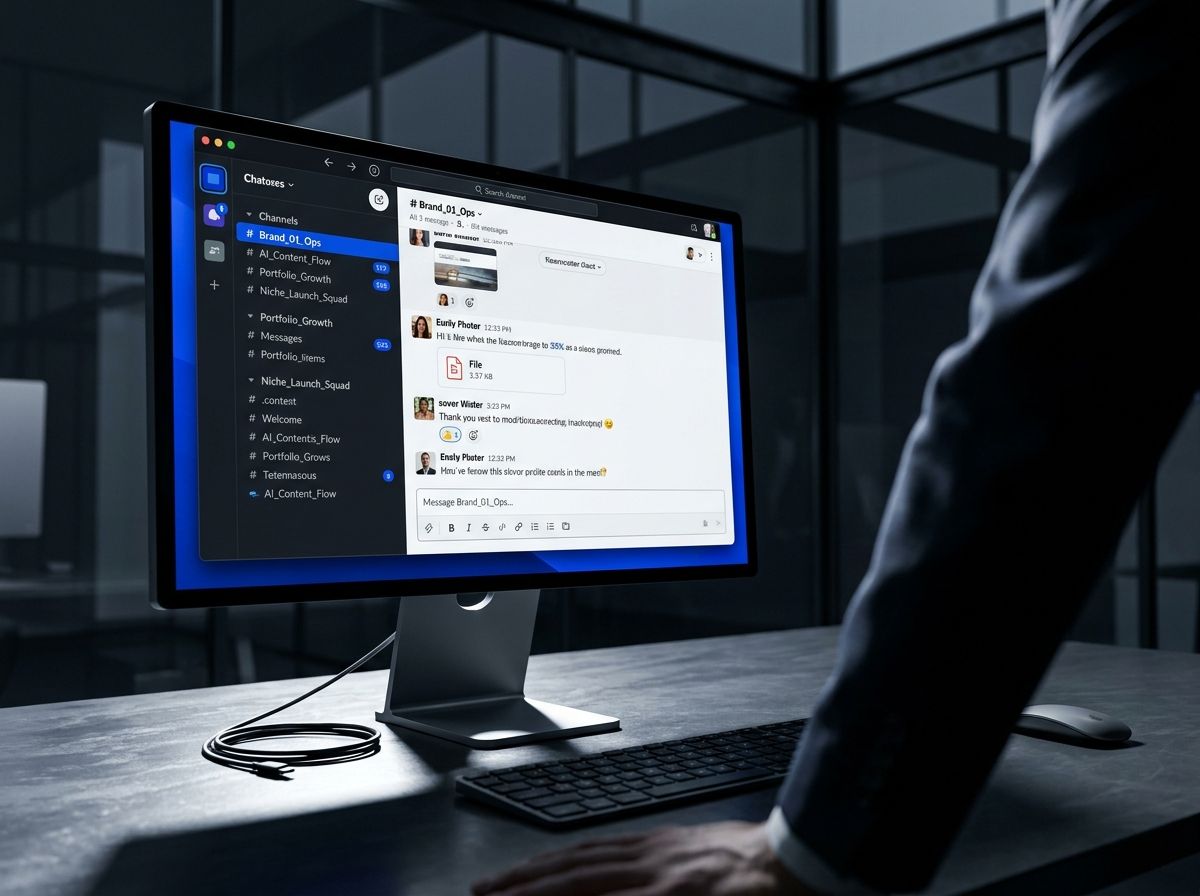
Digging through a 40-message email chain to find one decision someone made two weeks ago - that's a specific kind of pain. Slack fixes it by organizing conversations into channels by project or topic, so context lives where the work lives.
Quick questions in the right channel get fast answers. No reply-all disasters. And integrations with Google Drive, Trello, and most tools you're already using mean you're not toggling between six apps to stay current.
Ben runs a digital marketing agency called BrightIdeas with a fully remote team. He set up channels like "Client X Campaign" and "Content Ideas," and what used to be scattered across email threads and DMs got pulled into focused, searchable conversations. Brainstorming sessions got sharper, not longer.
Practical takeaway:
- Create channels for the two or three areas of your brand that generate the most back-and-forth. Keep them specific. A "Marketing" channel is fine; a "Q3 Launch - Copy Review" channel is better.
3. Design tools: Canva
Most founders aren't designers. That's not a weakness - it's just a constraint you have to work around, and Canva is the most practical workaround available. Templates for social posts, presentations, eBook covers, flyers, pitch decks - pick one, swap in your colors and copy, done.
Carla founded a wellness brand called MindfulMoments and needed a steady stream of social graphics without hiring a designer she couldn't yet afford. Canva's templates matched her aesthetic close enough to customize fast, and she built out a full library of on-brand assets in a weekend (not a glamorous weekend, but a productive one).
Practical takeaway:
- Set up a Brand Kit inside Canva before you do anything else. Upload your logo, lock in your color hex codes, and set your fonts. Every asset you make after that will look like it came from the same place - which matters more than most founders realize until they don't do it.
4. Automation tools: Zapier
You're doing things manually that a computer would do faster, more accurately, and without complaining. Zapier connects your apps and automates the handoffs between them - these automations are called "Zaps," and you don't need to write a line of code to build one.
Mark runs a tech startup called InnovateX. Every time a lead filled out his website contact form, he was manually copying their details into his CRM. That's the kind of task that takes three minutes per lead and feels fine until you have forty leads in a week and suddenly it's taking two hours you don't have. One Zap eliminated it entirely.
Practical takeaway:
- List three tasks you do on repeat that involve moving information from one tool to another. Chances are Zapier already has a template for at least one of them. Start there, get comfortable with the logic, then expand.
5. Analytics tools: Google Analytics
You can't optimize what you're not measuring. Google Analytics shows you where your site traffic is coming from, what visitors do once they arrive, and where they leave - data that makes your next marketing decision less of a guess.
Sarah runs an online education platform called LearnSmart. By tracking which courses drove the most traffic and the most conversions (not always the same thing), she stopped spreading her marketing budget evenly and started doubling down on what was actually working. Revenue followed.
Practical takeaway:
- Get Google Analytics installed and spend 20 minutes with the dashboard before you try to optimize anything. Understand bounce rate, pages per session, and conversion rate first. Then you'll know which lever to pull.
FAQs
What are the best tools for brand management?
The best tools depend on your specific needs, but popular options include Trello for project management, Slack for communication, Canva for design, Zapier for automation, and Google Analytics for insights. Each of these tools offers unique features that can streamline different aspects of your brand management process.
How can productivity software help founders?
Productivity software helps founders streamline their workflow, save time, and improve collaboration with their team. By using the right tools, founders can focus more on strategic tasks and less on administrative ones. These tools can also help prevent burnout by automating repetitive tasks and keeping communication organized.
Is it possible to manage a brand alone?
Yes, many solo founders successfully manage their brands by leveraging productivity tools. While it can be challenging, using the right software can make the process more manageable. Tools like Trello, Slack, and Canva empower founders to operate efficiently, even on their own.
How do I choose the right tools for my brand?
Consider your specific needs, budget, and the size of your team. Look for tools that are user-friendly and offer integrations with other software you already use. Research different options, read reviews, and, if possible, try free trials to see what fits best for your workflow.
Can these tools work for remote teams?
Absolutely! Most of these tools are designed with remote collaboration in mind. Trello and Slack, for instance, enable seamless communication and project tracking for teams spread across different locations, making them ideal for remote work.
What if I have a limited budget?
Many of these tools offer free versions or trial periods, which make them accessible for founders on a budget. Start with the basics, and as your brand grows, you can invest in premium features that enhance your productivity even further.
The goal isn't to run a prettier to-do list. It's to get the operational noise low enough that you can actually think about the work that moves your brand forward. Pick one tool from this list that targets your biggest current bottleneck. Set it up this week. See what it frees up. Then add the next one.
That's it. No grand system overhaul required - just one less thing eating your morning.
Join the conversation
Subscribe to comment
Join the Zentoko newsletter to leave a comment. You'll also get our notes on running niche brands in your inbox. Unsubscribe anytime.